

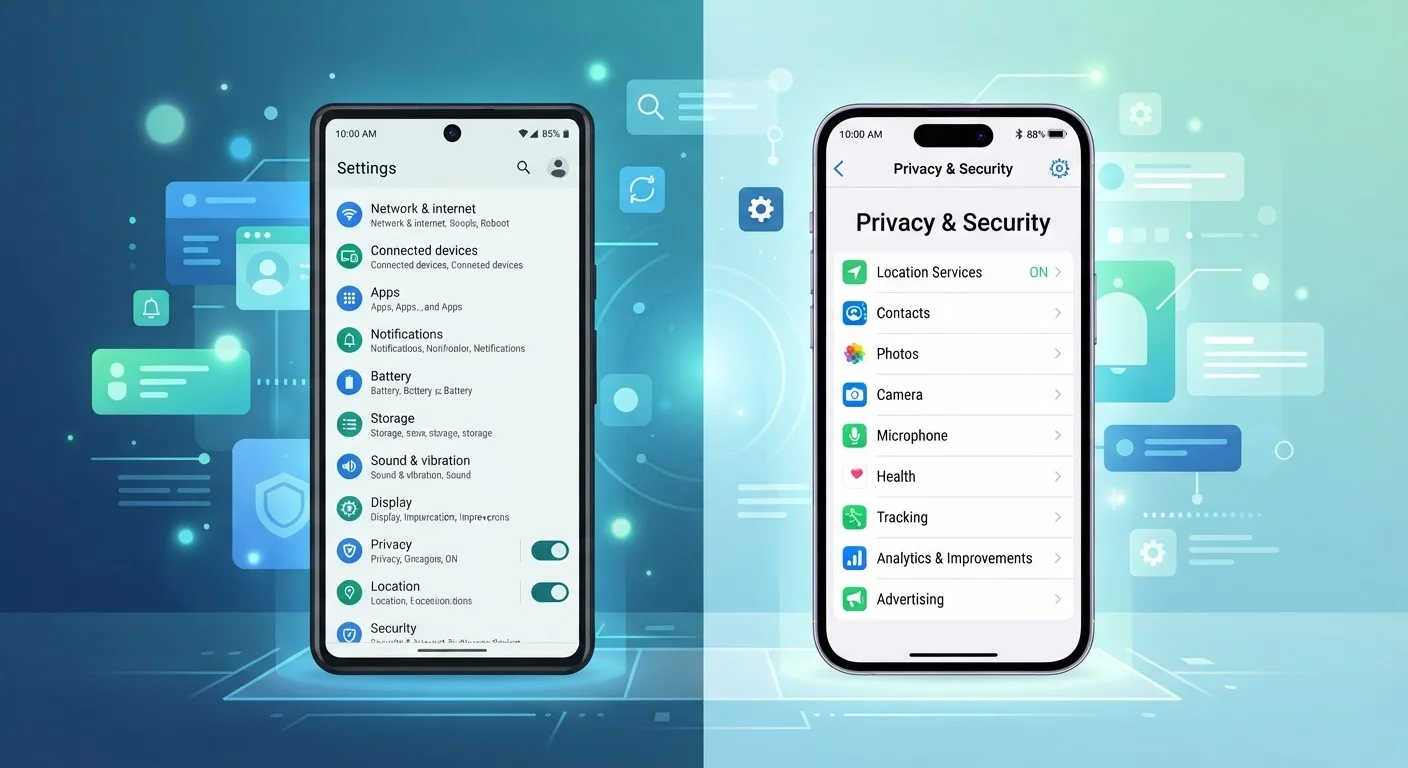
Option A
Android App Permissions
The flexible, customizable permissions framework.
Best for: Users who want granular control and are comfortable adjusting settings manually across a range of device manufacturers.
Option B
iOS App Permissions
The structured, privacy-by-default permissions system.
Best for: Users who prefer a consistent, streamlined experience with strong default privacy protections built into the platform.
How Each Platform Thinks About Permissions
App permissions are the gatekeeping mechanism that determines what information your phone shares with the applications you install - from your camera and microphone to your precise location and contact list. Both Android and iOS require apps to request these permissions, but the underlying philosophy and the technical implementation differ in important ways.
Apple's iOS is built around a privacy-by-default model. Apps must request each permission individually at the moment they actually need it, and the system enforces this consistently across all devices running iOS. Apple reviews apps before they appear in the App Store, and apps are generally held to strict guidelines about how permissions may be used.
Google's Android operates on a more open, configurable model. While modern versions of Android (particularly Android 6.0 and later) moved to a runtime permission system similar to iOS - meaning apps ask for access when they need it rather than at install - the Android ecosystem spans many device manufacturers, each of which can layer additional software on top. This means the permissions experience isn't always identical from one Android phone to another.
For a broader look at how your phone collects and uses data beyond permissions alone, see The Complete Picture on Mobile Privacy.
| Criterion | Android | iOS |
|---|---|---|
| Permission request timing | Runtime (Android 6.0+) | Runtime, contextual |
| Cross-app tracking control | Limited OS-level control | App Tracking Transparency required |
| One-time permissions | Available (Android 11+) | Available (iOS 14+) |
| App vetting before install | Google Play review; sideloading possible | Mandatory App Store review |
| Consistency across devices | Varies by manufacturer | Uniform across all iOS devices |
| Permission granularity | High; extensive manual options | Structured; consistent options |
| Location access tiers | Precise, approximate, while using, always | Never, ask next time, while using, always |
Where the Two Systems Diverge in Practice
One of the most meaningful differences is how each platform handles location access. iOS offers four clear options when an app requests location: Never, Ask Next Time, While Using the App, and Always. Crucially, users see plain-language explanations from the app about why it needs access. Android provides similar tiered options, but the exact interface varies depending on the device manufacturer's software overlay.
Both platforms have introduced one-time permissions - a feature that grants temporary access to your camera, microphone, or location for a single session without giving the app ongoing rights. This is a significant improvement for privacy-conscious users on both sides.
Where iOS holds a distinct edge is in its App Tracking Transparency (ATT) framework, introduced in 2021. Any app that wants to track your activity across other apps or websites must explicitly ask your permission through a standardized system prompt. Android does not have a direct equivalent at the operating system level, though Google has been developing its Privacy Sandbox initiative to limit cross-app tracking over time.
~80%
Global smartphone market share held by Android
According to Statcounter data, Android consistently accounts for roughly 70-80% of global smartphone usage, making its permissions policies highly consequential at scale.
2021
Year Apple introduced App Tracking Transparency
Apple's ATT framework, launched with iOS 14.5, fundamentally changed how apps on iPhones can track user behavior across other applications and websites.
3 in 4
Apps requesting access to at least one sensitive permission
Research from app analysis firms has consistently found that a large majority of popular apps request access to location, contacts, camera, or microphone upon installation.
It's also worth understanding the financial incentives behind free apps on both platforms. Many apps that aggressively request permissions do so partly to support advertising revenue - a dynamic explained in our piece on how free apps really make money.
What You Can Do Right Now on Either Platform
Regardless of which phone you use, there are practical steps that give you meaningful control over your app permissions today.
- Audit your permissions regularly. On iOS, go to Settings > Privacy & Security to see which apps have access to sensitive data. On Android, go to Settings > Privacy > Permission Manager for a similar overview organized by permission type.
- Revoke access you no longer use. If an app hasn't been opened in months but still holds location or microphone access, remove it. Both platforms make this straightforward.
- Choose "While Using" over "Always" for location. Very few apps genuinely need background location access. Selecting the more restricted option reduces passive data collection without affecting most app functions.
- Pay attention to permission prompts. When an app asks for access, read the reason it provides. If the explanation seems unrelated to the app's core purpose, that's worth questioning.
For a more complete introduction to keeping your phone secure - including network safety and phishing awareness - see Mobile Security From Scratch.
Permissions and Smart Home Devices
The permission model on your smartphone extends beyond the phone itself. Many smart home apps request access to your location, microphone, or local network to control connected devices. If you use smart speakers, cameras, or other home tech, it's worth reviewing those app permissions with the same scrutiny. Our guide on smart home privacy covers what connected devices typically collect and how to limit exposure.
The content on this site is for informational purposes only and is not a substitute for professional advice. Always consult a qualified professional for guidance specific to your situation.