

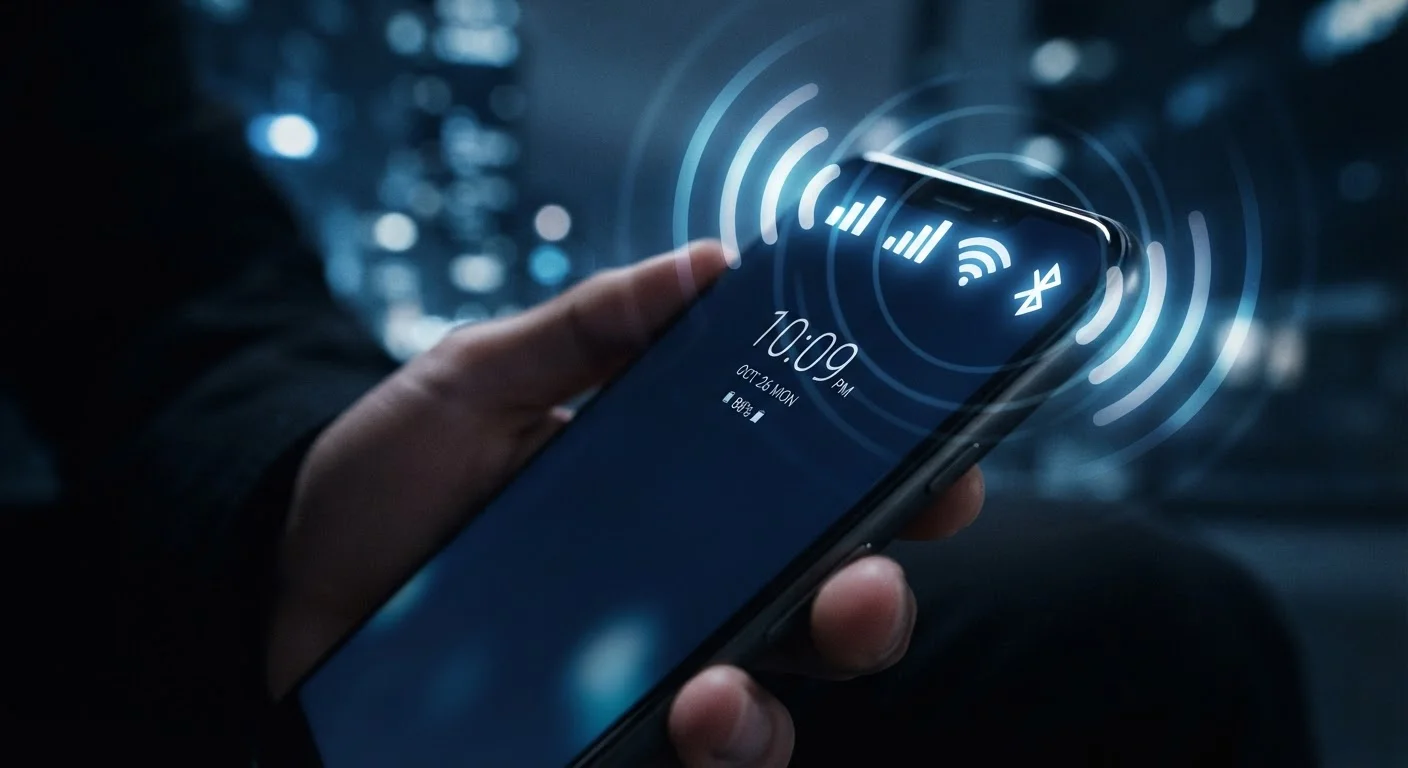
Cellular Data: Your Phone's Always-On Connection
Cellular data is the radio that keeps your phone connected to the internet even when no router is nearby. It works by communicating with cell towers operated by your wireless carrier - towers that blanket most populated areas of the country. When you stream a video on the go or get a navigation update while driving, cellular data is doing that work.
The number attached to cellular - 4G LTE or 5G - describes the generation of technology the network uses. Each generation brought faster speeds and lower latency (the delay between sending a request and getting a response). For a deeper look at what those generational differences actually mean day-to-day, see our guide to cellular network generations.
Cellular is the most power-hungry of your phone's radios, partly because it must reach towers that can be miles away. That's one key reason your battery drains faster in areas with weak signal - your phone continuously increases transmit power trying to maintain a connection.
~33 ft
Typical effective Bluetooth range indoors
Bluetooth specifications generally define a practical indoor range of around 10 meters (33 feet), though obstructions like walls reduce this.
2-10×
Wi-Fi speed advantage over typical cellular
Home broadband delivered via Wi-Fi commonly provides speeds 2 to 10 times faster than average real-world 4G LTE speeds, depending on the plan and location.
3
Distinct radios active in a modern smartphone
Most contemporary smartphones include at minimum a cellular modem, a Wi-Fi radio, and a Bluetooth chip - all capable of operating simultaneously.
Wi-Fi: Faster and More Efficient When You're Near a Router
Wi-Fi connects your phone to a local wireless router, which then connects to the internet through a wired broadband line. Because the router is typically within 100-150 feet of your device, Wi-Fi signals don't need to travel nearly as far as cellular signals, which is why Wi-Fi delivers faster, more consistent speeds at home or in a coffee shop - and why it's gentler on your battery.
Most routers broadcast on two frequency bands: 2.4 GHz and 5 GHz. The 2.4 GHz band travels farther through walls but is more congested (shared by many devices and neighboring networks). The 5 GHz band is faster and less crowded but loses range more quickly. Many modern routers handle this automatically, connecting your phone to whichever band performs better at any given moment.
Connect to Wi-Fi to Save Mobile Data
When you're at home or in a trusted location, connecting to Wi-Fi offloads internet traffic from your cellular plan entirely, preserving your monthly data allowance. Most phones can be set to connect automatically to saved networks, so you rarely need to think about it.
Wi-Fi is also the backbone of features like Wi-Fi calling and video conferencing apps. For more on how Wi-Fi and Bluetooth interact on the same device, see our article on when Wi-Fi and Bluetooth each take over.
Bluetooth: Short-Range, Low-Power Accessories
Bluetooth is purpose-built for short-range connections - typically up to about 30 feet - between your phone and accessories. Wireless earbuds, speakers, smartwatches, car audio systems, and keyboards all rely on Bluetooth. It's intentionally low-power, making it efficient for the kind of constant, low-data-rate link these accessories need.
Bluetooth works by pairing devices. Once paired, your phone and an accessory remember each other and reconnect automatically. The technology uses a process called frequency hopping - rapidly switching among dozens of frequencies within the 2.4 GHz band - to avoid interference from other nearby signals, including Wi-Fi.
One thing Bluetooth is not designed for is high-bandwidth internet access. It's built for audio, device control, and small data transfers - not replacing your Wi-Fi connection. For a full comparison of the two, our Bluetooth vs. Wi-Fi explainer covers the differences in detail.
How Your Phone Manages All Three at Once
Your phone's operating system constantly monitors all three radios and makes routing decisions without you noticing. When you're home on Wi-Fi, internet traffic flows through the router rather than your carrier's towers. Step outside the router's range, and the phone seamlessly hands that traffic off to cellular. Meanwhile, Bluetooth can stay active throughout, maintaining your connection to earbuds or a smartwatch without conflict.
Security is worth keeping in mind as your phone manages these connections. Public Wi-Fi networks, in particular, can expose your data to other users on the same network. For a practical introduction to protecting yourself, see our article on mobile security basics.
Understanding these radios also helps decode other phone specifications. Knowing what each antenna does makes it easier to evaluate the features listed on a phone's spec sheet. Our guide to what smartphone specs actually mean connects the hardware to real-world performance in plain terms.
“The radio stack in a smartphone is one of the most complex subsystems in consumer electronics - coordinating multiple antennas, frequencies, and protocols in real time so users never have to think about it.”
— IEEE Communications Society, Professional organization for communications technology engineers
Frequently Asked Questions
Running both simultaneously does use more power than having neither active, but the impact is modest on most modern phones. Wi-Fi typically uses far less battery than cellular data, so connecting to Wi-Fi while Bluetooth is on is usually still more efficient than relying on cellular alone.
Most smartphones use a feature called Wi-Fi Assist (iOS) or Adaptive Connectivity (Android) that detects when your Wi-Fi signal is weak and seamlessly shifts traffic to cellular. This prevents buffering or dropped connections but can consume mobile data unexpectedly - you can usually disable it in settings.
Leaving Bluetooth on does carry a small security consideration, since it creates a potential entry point for nearby attackers. However, modern Bluetooth implementations include pairing protections that make casual attacks difficult. For best practice, turn it off when you're not using any Bluetooth accessories.
4G LTE and 5G are different generations of cellular technology. 5G offers significantly higher peak speeds and lower latency in areas with 5G coverage, but real-world performance depends heavily on your carrier's network build-out and your location. See our detailed comparison for more.
Yes. Wi-Fi calling routes voice calls over a Wi-Fi connection instead of the cellular network, which is useful in areas with poor cellular coverage but a strong Wi-Fi signal. It must be enabled in both your phone's settings and supported by your carrier.
The content on this site is for informational purposes only and is not a substitute for professional advice. Always consult a qualified professional for guidance specific to your situation.