

Option A
Bluetooth
The short-range, low-power personal connection standard.
Best for: Connecting personal accessories like headphones, keyboards, and fitness trackers directly to your device without a network.
Option B
Wi-Fi
The high-bandwidth network bridge that connects devices to the internet.
Best for: Streaming video, browsing the web, and linking smart home devices to a router and the broader internet.
What Each Standard Was Built to Do
Bluetooth and Wi-Fi are both wireless radio technologies, but they were engineered for fundamentally different purposes. Bluetooth was originally designed as a cable replacement - a way to link two nearby devices directly without plugging them in. Wi-Fi was designed as a local area network technology, giving devices a wireless path to a router and, through it, the internet.
Bluetooth operates in the 2.4 GHz radio band and is optimized for low power consumption and simplicity. Its effective range is generally 30 feet or less for consumer devices, though newer Bluetooth versions have extended this somewhat. Data speeds top out well below what Wi-Fi can offer, but for sending audio to earbuds or syncing your fitness tracker, that is completely adequate.
Wi-Fi operates on either the 2.4 GHz or 5 GHz bands (and 6 GHz on newer Wi-Fi 6E routers), and is built to move large amounts of data quickly. A modern Wi-Fi connection can handle dozens of simultaneous streams across multiple devices in a household. For more detail on how these radios coexist in your phone specifically, see what each radio in your phone actually does.
| Criterion | Bluetooth | Wi-Fi |
|---|---|---|
| Primary purpose | Device-to-device pairing | Network and internet access |
| Typical range | Up to ~30 feet | Up to ~150 feet indoors |
| Data speed | Up to ~3 Mbps (Classic); less for BLE | 100 Mbps to several Gbps |
| Power draw | Very low (especially BLE) | Moderate to high |
| Requires a router? | No | Yes |
| Common use cases | Earbuds, keyboards, wearables | Streaming, smart home, browsing |
| Frequency band | 2.4 GHz only | 2.4 GHz, 5 GHz, or 6 GHz |
| Connection type | Peer-to-peer | Network infrastructure |
Why Your Devices Need Both
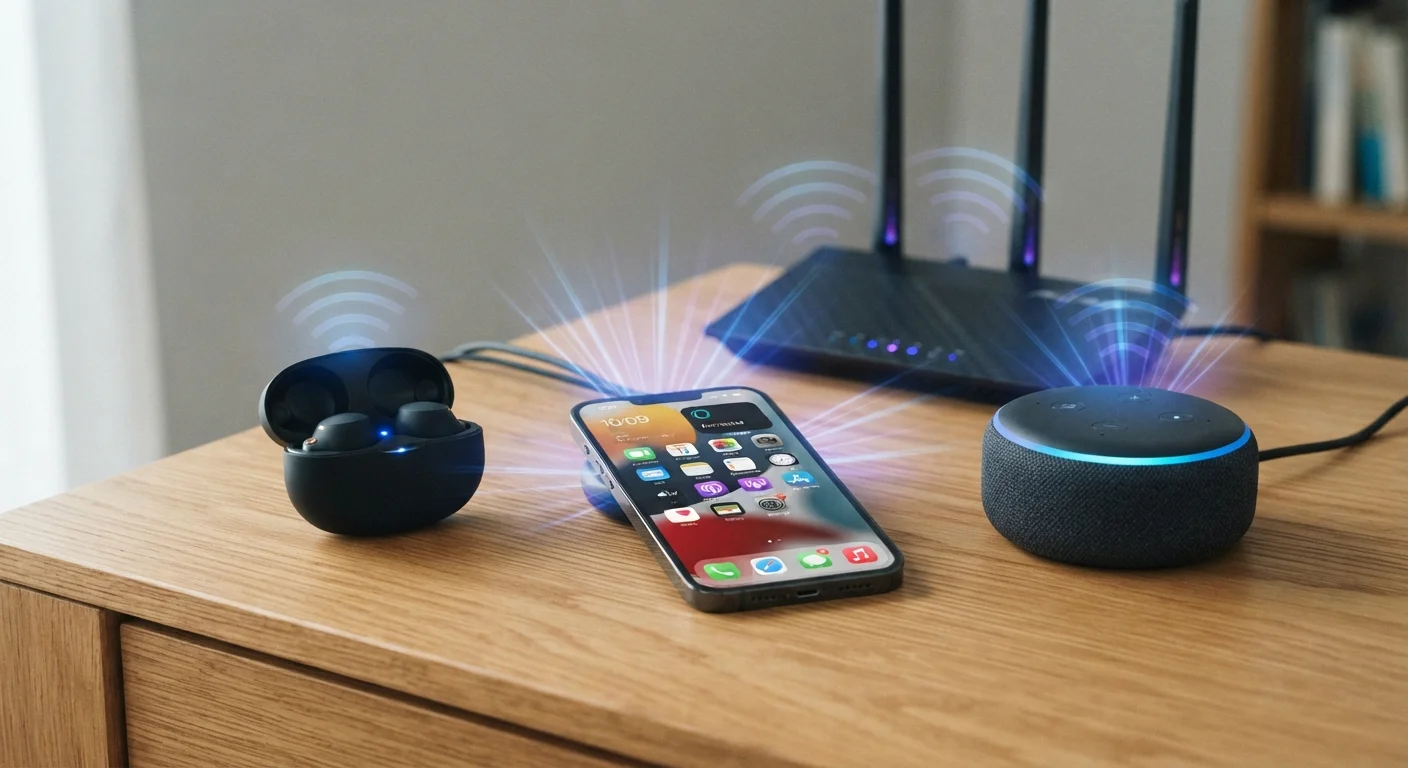
A smartphone, laptop, or smart speaker typically carries both a Bluetooth chip and a Wi-Fi chip because the two standards solve problems the other cannot. Your phone connects to Wi-Fi to stream music from a cloud service - then hands that audio off to your wireless earbuds over Bluetooth. Both radios are active at the same time, doing different jobs without interfering with each other.
Smart home devices add another layer. A smart thermostat might use Bluetooth during the initial setup process (so it can pair directly with your phone before it has network credentials), then switch to Wi-Fi for its ongoing operation. Smart home devices communicate in layers, and understanding which layer uses which radio helps when troubleshooting a device that won't respond.
~30 ft
Typical Bluetooth consumer range
Standard Bluetooth 5.0 consumer devices typically maintain reliable connections within about 30 feet in real-world indoor conditions with obstacles.
9.7 Gbps
Peak theoretical Wi-Fi 6 speed
Wi-Fi 6 (802.11ax) supports theoretical peak speeds up to 9.6 Gbps under ideal multi-device conditions, according to the Wi-Fi Alliance specification.
2+ years
BLE device battery life
Bluetooth Low Energy devices such as fitness trackers and medical sensors can operate for two or more years on a small battery, depending on usage patterns.
The key practical insight is that Bluetooth is peer-to-peer - it links two devices directly. Wi-Fi is network-oriented - it links a device to infrastructure. Neither one is universally superior; they are complementary tools.
Speed, Range, and Battery: The Real Trade-Offs
If you have ever noticed that your wireless earbuds last all day but your phone's Wi-Fi is quietly draining the battery, the power difference between these two radios is the reason. Bluetooth Low Energy (BLE), which powers most modern wearables and fitness trackers, is engineered to sip power - sometimes enabling months of operation on a coin-cell battery. Wi-Fi radios draw considerably more energy because they are maintaining a continuous, high-bandwidth link to a router.
Range is another meaningful difference. Wi-Fi, even in a crowded apartment building with obstacles, typically covers a home with a well-placed router. Bluetooth drops off quickly - walk from one end of a large home to another with your phone and your Bluetooth speaker will lose the signal. That is a design choice, not a flaw. Walls, furniture, and interference affect both technologies, but Wi-Fi systems are built to fight through it at greater distances.
Speed matters only when speed is needed. Sending a command to a Bluetooth keyboard requires almost no bandwidth. Streaming a 4K movie to a TV needs tens of megabits per second - only Wi-Fi can reliably deliver that. For a deeper look at how Wi-Fi performance is often misunderstood, common Wi-Fi speed myths are worth reviewing before you blame your router for everything.
When Bluetooth and Wi-Fi Interfere With Each Other
Both Bluetooth and Wi-Fi use the 2.4 GHz radio band, which means they can occasionally interfere with each other in congested environments. In practice, modern chips use techniques like adaptive frequency hopping to minimize this. If you experience audio dropouts while on a 2.4 GHz Wi-Fi network, switching your router to the 5 GHz band - where Bluetooth does not operate - can help. Many routers today offer both bands simultaneously.
If you are weighing whether to go entirely wireless in your home network setup, the trade-offs extend beyond just Bluetooth versus Wi-Fi - wired versus wireless home networks each carry real differences in speed and reliability worth understanding.
The content on this site is for informational purposes only and is not a substitute for professional advice. Always consult a qualified professional for guidance specific to your situation.