

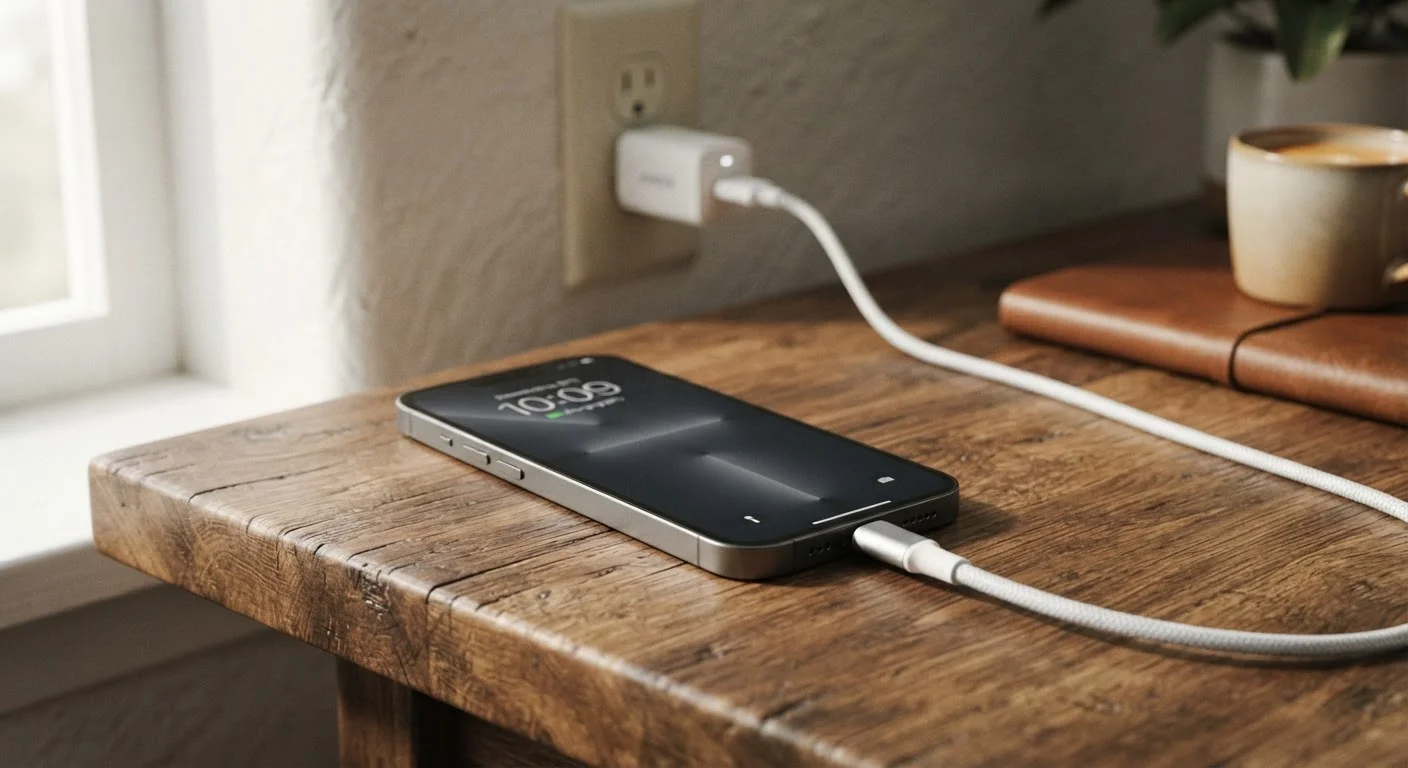
Why Slow Charging Is Usually Not Your Phone's Fault
When a phone takes two hours to reach 50%, most people assume the battery is aging or something internal has failed. In reality, the limiting factor is almost always external - a worn cable, an underpowered adapter, or a setting quietly working against you.
Modern smartphones are capable of drawing significantly more power than many households realize. But that capability only activates when every link in the chain - outlet, adapter, cable, and port - allows it. A single weak link throttles the entire system. Understanding where to look first saves time, frustration, and the cost of an unnecessary repair.
For a broader look at how your daily habits affect battery performance, see our guide to phone maintenance habits that actually extend device life.
The Most Common Mistakes Slowing Down Your Charge
The following errors account for the vast majority of slow-charging complaints. Work through them in order - most people find the cause within the first two or three checks.
Using any available cable rather than one rated for the phone's charging standard.
Why it happens: Cables look identical on the outside, so people assume they're interchangeable. Many households accumulate cables from older devices or budget accessories that lack the wiring needed for higher wattage.
Plugging into an adapter from an older or unrelated device.
Why it happens: USB-A and USB-C adapters look similar, and older 5W adapters still work - they just charge extremely slowly. People inherit chargers and assume a working connection means an optimal one.
Ignoring lint and debris compressed into the charging port.
Why it happens: Port contamination builds gradually and invisibly. The phone still charges, just poorly, so users rarely connect the symptom to the cause.
Charging while running demanding apps or keeping the screen on.
Why it happens: It's natural to use a phone while charging, but navigation, video streaming, and gaming can draw as much power as the charger supplies - resulting in no net gain in battery level.
Charging a phone that is overheated.
Why it happens: Phones are often charged while being used in warm conditions - on a sunny car dashboard, in a thick case, or after extended gaming. Most users don't know that smartphones automatically slow charging to protect battery chemistry when internal temperature rises.
5W vs 45W
Adapter output range across common household chargers
Standard USB adapters from older devices often output just 5 watts, while modern fast-charging adapters for flagship phones can deliver 45 watts or more - a ninefold difference in potential charging speed.
~30%
Estimated charging speed reduction from heat throttling
Battery management systems in most modern smartphones deliberately reduce charging current when the device's internal temperature exceeds a safe threshold, commonly reducing speed by roughly a quarter to a third.
If you've resolved the hardware issues and still find your phone draining faster than it charges, certain phone settings may be working against you even while plugged in.
Quick Diagnostics You Can Do Right Now
Before assuming a hardware problem, run through this sequence:
- Swap the cable first. Use a different cable - ideally one rated for fast charging - and see if speed improves. Cables are the highest-failure component in any charging setup.
- Check adapter wattage. Look for the output rating printed on the adapter body (e.g., 5W, 18W, 25W, 65W). A 5W adapter will charge slowly even with a perfect cable and a fast-charge-capable phone.
- Inspect the port. Shine a flashlight into the charging port. Lint compression is common in pants-pocket users. A few careful passes with a non-conductive tool (like a dry wooden toothpick) often restores a snug cable connection.
- Enable Airplane mode. Cellular radio, Wi-Fi, and Bluetooth consume power continuously. Switching to Airplane mode while charging can noticeably increase the net charge rate.
- Let the phone cool down. Warm or hot phones deliberately reduce charging speed to protect the battery. Remove the case, move away from direct sunlight, and allow the device to reach room temperature.
Avoid Metal Tools in the Charging Port
Metal objects like paper clips or pins can damage the port's internal pins or create a short circuit. If debris is compacted tightly or you can see signs of corrosion, take the device to a qualified repair technician rather than attempting to remove it yourself.
Curious about what fast charging actually means - and whether it's worth it? Our article on fast charging facts and myths separates what the evidence actually supports.
The content on this site is for informational purposes only and is not a substitute for professional advice. Always consult a qualified professional for guidance specific to your situation.