

Why Wi-Fi Myths Persist - and Why They Matter
Home Wi-Fi is one of those technologies most people use every day but rarely think deeply about. That gap between familiarity and understanding is where myths take root. Some of these misconceptions are harmless - but others lead households to misdiagnose problems, spend money unnecessarily, or tolerate poor performance that could be easily fixed.
The six myths addressed here are among the most widespread. Each one stems from a kernel of intuition that sounds reasonable on the surface - but breaks down when examined against how wireless networking actually works. Understanding the real mechanics puts you in a much stronger position to manage your home network confidently.
Avoid Placing Your Router Inside Cabinets or Closets
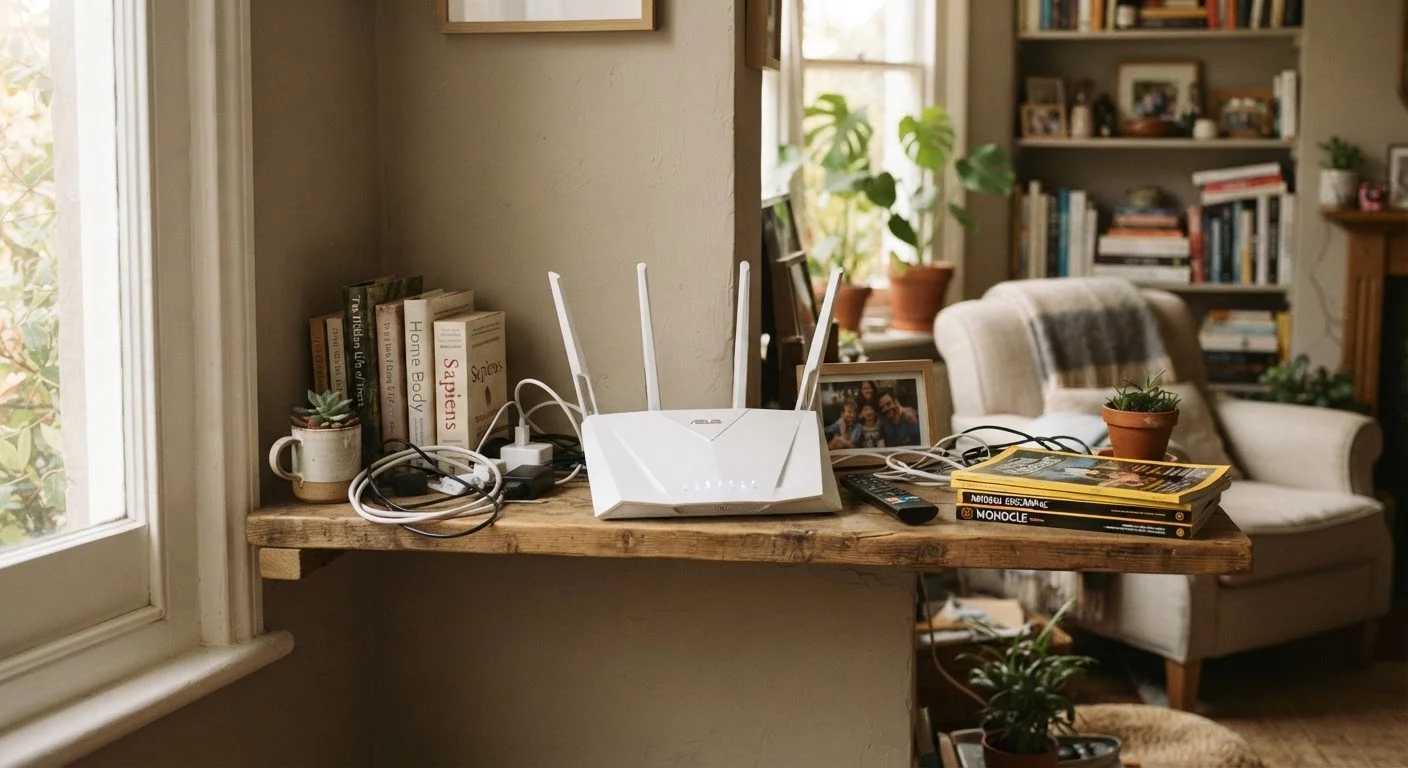
Enclosing a router in a cabinet, entertainment center, or closet significantly weakens signal propagation. Dense materials absorb and reflect radio waves, reducing range throughout your home. Keep the router in open air with a few inches of clearance on all sides for best performance.
The Myths - Corrected and Explained
Work through each myth below. The explanations connect the misconception to real wireless networking principles, so you walk away with durable understanding rather than just a list of dos and don'ts.
Myth
More bars on your device means you're getting faster internet speeds.
Fact
Signal bars reflect wireless signal strength between your device and router, not your actual internet download or upload speed.
The bars or dots shown in your device's Wi-Fi indicator measure radio signal strength (often called RSSI - Received Signal Strength Indicator) between your device and the router. A strong signal means a stable, low-error connection to the router - but it says nothing about the speed of your ISP's connection to the wider internet. You can have full bars on a heavily congested network and still experience slow loading, buffering, or lag. Use a dedicated speed test tool to measure your actual throughput.
Myth
Placing your router as high as possible in the room will always boost coverage.
Fact
Height can help, but central placement in your home and distance from obstructions matter far more than vertical position alone.
Wi-Fi signals radiate outward in roughly spherical patterns from the router's antennas. Mounting the router high on a wall can reduce interference from furniture on the same floor, but it does not compensate for a router installed at one end of the house. The most impactful placement principle is centrality - position the router as near to the geographic center of your living space as possible. Our guide to fixing Wi-Fi dead zones offers practical room-by-room placement strategies.
Myth
Restarting your router frequently damages it and shortens its lifespan.
Fact
Periodic reboots are harmless and often beneficial, helping the router clear its memory and re-establish cleaner channel connections.
Home routers run lightweight operating systems that accumulate memory usage over weeks of continuous operation - similar to how a computer slows down without a restart. A power cycle clears temporary states, can resolve minor connectivity issues, and prompts the router to re-select less congested wireless channels automatically. Most networking professionals recommend a reboot every few weeks. This will not harm the hardware; routers are designed for repeated power cycling. What does quietly degrade performance are the everyday habits that slowly hurt your home network.
Myth
Upgrading to a faster internet plan will automatically make your Wi-Fi faster.
Fact
A faster plan raises the potential ceiling, but your actual Wi-Fi speed is also limited by your router hardware, device capabilities, and home environment.
Think of your internet connection as a pipeline from your ISP and your Wi-Fi as the plumbing inside your home. A wider pipe from the street doesn't help if the pipes inside are narrow or obstructed. An aging router using an older Wi-Fi standard, a device with a dated wireless adapter, or a home full of signal-absorbing walls can all cap real-world speeds well below your plan's rated maximum. Before upgrading a plan, run a wired speed test directly from your modem to benchmark what's actually arriving from your ISP.
Myth
The 5 GHz band is always faster and better than the 2.4 GHz band.
Fact
The 5 GHz band offers higher throughput at close range, but the 2.4 GHz band travels farther and penetrates walls more effectively.
These two frequency bands involve a genuine trade-off. The 5 GHz band supports higher data rates and typically experiences less interference in crowded buildings. However, higher frequencies lose energy more rapidly over distance and struggle to pass through walls and floors. The 2.4 GHz band is slower at peak throughput but reliably reaches farther corners of a home. Smart device management means using 5 GHz for close-range, bandwidth-heavy tasks (video streaming, gaming) and 2.4 GHz for distant or low-bandwidth devices (smart home sensors, appliances). For more on how wireless technologies interact, see our explainer on Bluetooth vs. Wi-Fi.
Myth
A single powerful router is always enough to cover any home.
Fact
Home size, construction materials, and layout significantly affect whether a single router can provide reliable coverage throughout.
Modern routers have impressive rated ranges - but those figures are measured in open, obstacle-free environments. Real homes contain concrete, brick, metal studs, and multiple floors, all of which absorb and reflect wireless signals. A large or multi-story home often develops dead zones that a single router cannot overcome regardless of its specifications. In these cases, a mesh system or strategically placed access points may be a more practical solution. Our comparison of mesh systems and traditional routers walks through when each approach makes sense.
Your ISP Speed and Wi-Fi Speed Are Not the Same
The speed your internet service provider (ISP) delivers to your modem is a ceiling, not a guarantee. Physical obstacles, device age, network congestion, and router capability all determine what actually reaches your laptop or phone. Upgrading your internet plan without addressing these factors often yields little noticeable improvement.
If you share your network with visitors regularly, consider how your overall setup is organized. A properly segmented guest Wi-Fi network can also reduce congestion on your primary devices - a factor that affects perceived speed just as much as signal strength.
~30%
Typical signal loss through a single interior wall
Wireless networking literature generally estimates a standard drywall interior wall reduces Wi-Fi signal strength by roughly 30%, with denser materials causing greater attenuation.
2.4 GHz
Band shared by microwaves and many smart home devices
Because the 2.4 GHz spectrum is used by microwave ovens, baby monitors, and many cordless phones, it is more susceptible to household interference than the 5 GHz band.
The content on this site is for informational purposes only and is not a substitute for professional advice. Always consult a qualified professional for guidance specific to your situation.