

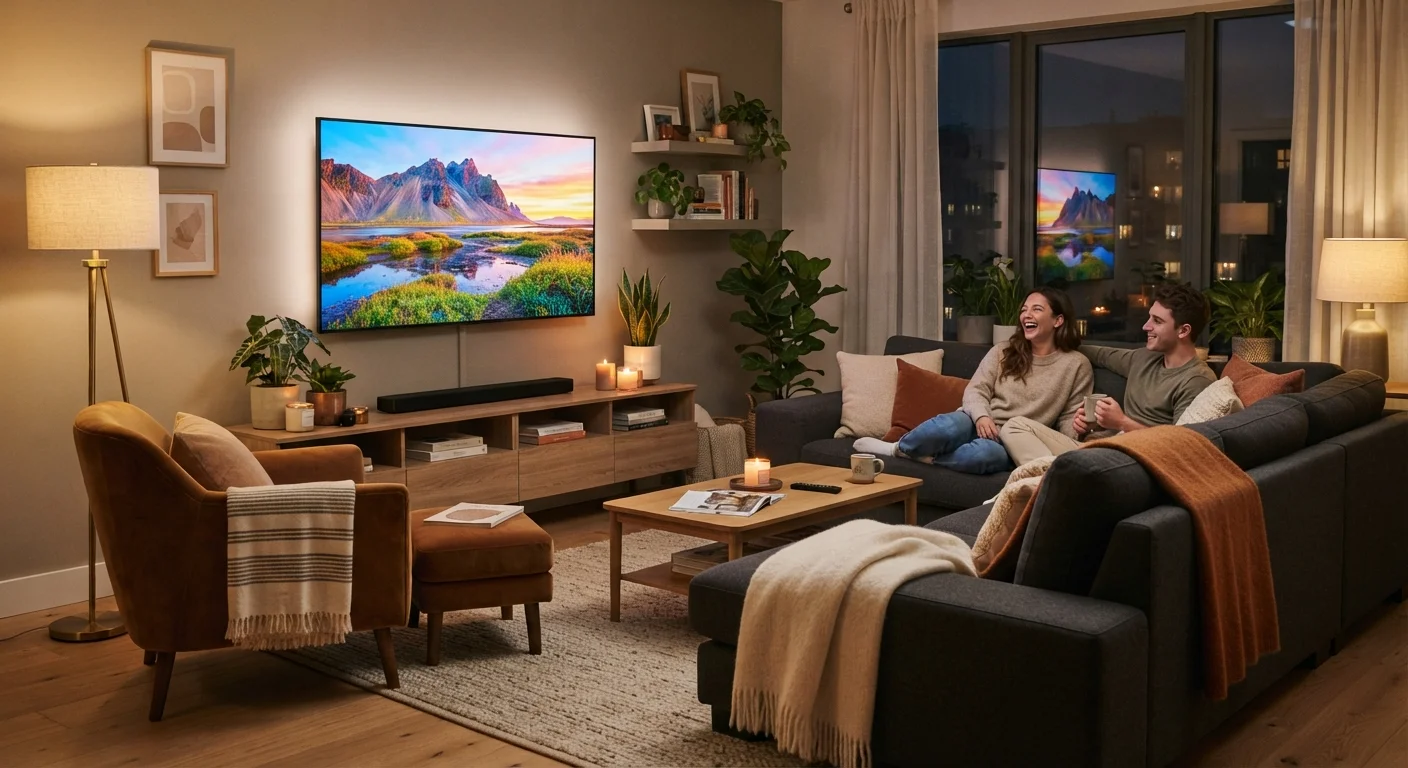
Panel Type: The Foundation of Every Picture
The technology behind the screen itself shapes everything else on the spec sheet. The three main panel types sold in the U.S. market are LED-LCD, QLED, and OLED, and each involves a different trade-off.
LED-LCD panels use a liquid crystal display backlit by LEDs. They are widely available and cover the broadest price range. Picture quality varies significantly by how the backlighting is organized - full-array local dimming (where sections of LEDs dim independently) produces better contrast than edge-lit designs.
QLED (Quantum Light-Emitting Diode) is a refinement of LED-LCD technology that adds a quantum dot filter to broaden color range and boost brightness. These panels typically perform well in brightly lit rooms.
OLED (Organic Light-Emitting Diode) panels work differently: each pixel produces its own light and can switch off entirely, resulting in true blacks and exceptional contrast. They tend to perform best in controlled, darker viewing environments.
For a broader look at display terminology across devices, see our plain-language spec sheet guide.
120Hz
Native refresh rate benefiting sports and gaming
Industry specifications indicate 120Hz native panels refresh twice as fast as standard 60Hz displays, reducing motion blur in fast-action content.
500+ nits
Recommended brightness for well-lit rooms
Display industry guidelines suggest televisions in bright living environments benefit from peak brightness above 500 nits to maintain image clarity.
<20ms
Input lag threshold considered low for gaming
Consumer electronics reviewers and gaming communities generally regard input lag under 20 milliseconds as imperceptible during interactive gameplay.
Refresh Rate, HDR, and Motion Handling
Refresh rate refers to how many times per second the screen redraws its image, measured in Hz. A 60Hz panel refreshes 60 times per second - adequate for most programming. A 120Hz panel doubles that, reducing motion blur during fast movement. This matters most for live sports and gaming.
Be cautious of terms like "effective refresh rate" or "motion enhancement" in marketing language - manufacturers sometimes use processing software to simulate a higher rate rather than the panel running natively at that speed. Look for the native refresh rate in the technical specifications.
HDR (High Dynamic Range) improves the realistic depth of an image by expanding the contrast between bright highlights and deep shadows. There are several HDR formats: HDR10 is an open standard supported widely; Dolby Vision applies scene-by-scene metadata for more precise adjustment; HDR10+ is a competing dynamic metadata format backed by different studios. A TV may support one or more of these - but the content source must match the format for any benefit to appear.
Resolution - 4K versus 8K - is a separate consideration that works alongside HDR rather than replacing it.
Check Native vs. Effective Refresh Rate
When reviewing a TV's specifications, look specifically for the phrase 'native refresh rate' rather than any marketing term like 'effective' or 'motion rate.' A native 60Hz panel marketed with a 120 'effective' rate is still a 60Hz panel. The native figure is what determines actual motion clarity.
Brightness, Input Lag, and Connectivity
Brightness is measured in nits. A TV in a sunlit living room needs higher peak brightness - generally 500 nits or more - to remain visible and vibrant. OLED panels typically max out at lower nits than QLED models, which is worth factoring in if your room receives significant daylight.
Input lag measures the delay between an action - pressing a game controller button, for example - and when it appears on screen. Measured in milliseconds, input lag below 20ms is considered low. Most modern televisions include a dedicated Game Mode that reduces processing to minimize this delay. For anyone who is not gaming, input lag is essentially irrelevant.
Connectivity deserves attention before you finalize any evaluation. Count how many HDMI ports a TV offers, and check whether any of them are HDMI 2.1 - the standard needed for full 4K/120fps output from current-generation gaming consoles. USB ports, eARC (enhanced Audio Return Channel) support for soundbars, and Wi-Fi standard (Wi-Fi 5 vs. Wi-Fi 6) are also worth noting depending on how you plan to use the screen.
Understanding these fundamentals puts you in a much stronger position when evaluating value - see our guide to evaluating value before you buy for the broader decision-making framework.
Frequently Asked Questions
Panel type has the greatest impact on overall picture quality. OLED panels produce perfect blacks and excellent contrast, while QLED panels offer high brightness and vivid color. Understanding panel type helps set realistic expectations before looking at other specs.
Not necessarily. A 120Hz refresh rate genuinely improves motion clarity for fast-paced sports and gaming. For standard TV shows and movies, most viewers won't notice a meaningful difference over 60Hz. Prioritize refresh rate only if those use cases apply to you.
HDR stands for High Dynamic Range. It expands the range between the darkest and brightest parts of the image, producing more realistic highlights and shadow detail. The TV must support the same HDR format as your content source - Dolby Vision, HDR10, or HDR10+ - for the effect to work.
Most households benefit from at least three HDMI ports to accommodate devices like a streaming stick, game console, and soundbar simultaneously. Look for at least one HDMI 2.1 port if you plan to connect a current-generation gaming console.
Input lag is the delay between a controller or remote input and what appears on screen, measured in milliseconds. Gamers are most affected - a lag under 20ms is generally considered low. For streaming video and casual TV watching, input lag is not a meaningful concern.
The content on this site is for informational purposes only and is not a substitute for professional advice. Always consult a qualified professional for guidance specific to your situation.