

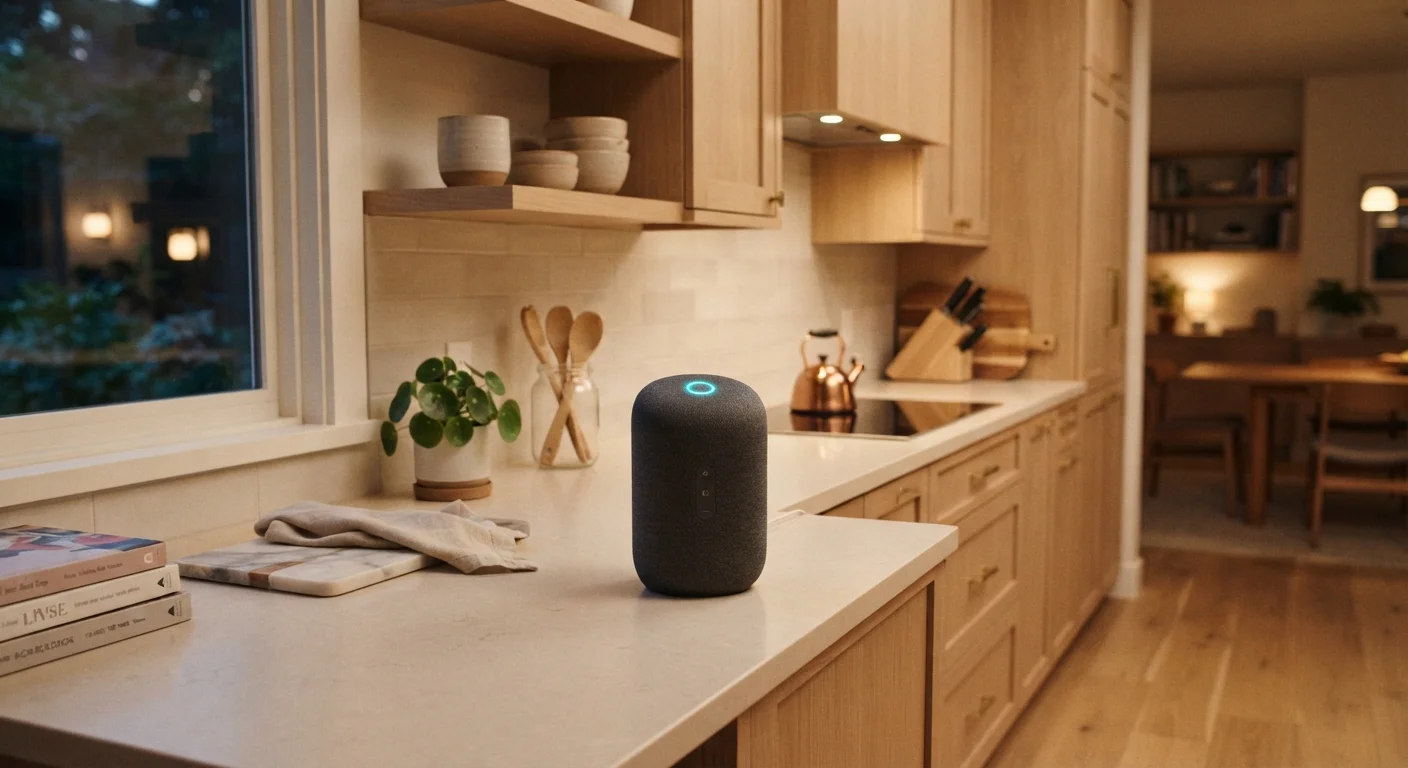
What a Smart Speaker Actually Does
At its core, a smart speaker is a microphone, a speaker, and a cloud-connected computer rolled into one compact unit. When you speak a wake word, the device begins capturing your voice, compresses it, and sends it to remote servers that apply natural-language processing - technology that interprets everyday speech rather than rigid commands. The server determines your intent, fetches or performs the appropriate action, and streams a spoken response back within seconds.
The result is a device that can answer factual questions, read the news, set multiple timers simultaneously, add items to a shared shopping list, and carry on a rudimentary conversation - all hands-free. For households juggling cooking, childcare, or mobility challenges, that voice-first interaction is genuinely useful, not just a novelty.
Smart Speakers Are Part of a Larger Ecosystem
A smart speaker works best when it is connected to compatible devices - lights, locks, thermostats - that share the same assistant platform. Buying a speaker without checking platform compatibility first can lead to frustration when devices don't respond to voice commands. Our smart home devices overview explains how these ecosystems connect.
Understanding how smart speakers fit into a broader connected home can help you get more out of every device you own. Our explainer on smart home devices covers how different gadgets communicate under one roof.
Home Automation: The Practical Power of a Smart Speaker
Music is often the first thing people try, but controlling the physical environment of your home is where smart speakers earn their keep over time. A compatible smart speaker can serve as the voice interface for a wide range of connected devices - thermostats, lighting systems, smart plugs, door locks, garage doors, and security cameras among them.
Instead of reaching for multiple apps, you can group devices into rooms and issue a single command: telling the speaker to turn off all the lights downstairs, lower the thermostat, and lock the front door at once. These multi-step sequences, often called routines or automations, can also be scheduled to run at specific times without any spoken prompt at all.
Check Compatibility Before Expanding Your Setup
Before adding smart lights, locks, or thermostats to your home, confirm that those devices support your speaker's assistant platform. The Matter connectivity standard is helping bridge some gaps between platforms, but it is not yet universal. Planning your ecosystem in advance prevents compatibility headaches down the road.
Compatibility between your speaker's assistant platform and your home devices is the single most important factor to check before expanding your setup. Planning your smart home ecosystem before adding devices can save significant time and money.
Everyday Utility: Beyond Entertainment and Automation
Smart speakers also serve as persistent, ambient utilities throughout the day. Common use cases include:
- Information on demand: Weather forecasts, unit conversions, quick facts, and sports scores - retrieved and read aloud instantly.
- Communication: Many speakers can make and receive calls or send messages to contacts, either through a paired smartphone or a linked account.
- Reminders and calendars: Voice-set reminders sync with calendar apps, letting the speaker announce appointments or tasks at the right moment.
- Shopping and lists: Items added verbally to a shopping list sync to a companion app, accessible on your phone at the store.
- Kid-friendly features: Educational Q&A, audiobooks, and child-safe modes make smart speakers practical for families.
35%
U.S. adults who own a smart speaker
According to Pew Research Center survey data, roughly one-third of American adults reported owning a smart speaker, reflecting how mainstream the technology has become.
#1
Most common smart speaker use: music playback
Research consistently finds audio streaming is the top reported use, though smart home control and information queries rank closely behind among regular users.
~1 sec
Typical cloud round-trip response time
Most modern smart speakers complete the full wake-word detection, cloud processing, and spoken response cycle in under two seconds under normal network conditions.
For households already using smartphones, the learning curve is minimal - the speaker extends the same assistant you may already use on your phone into a hands-free, room-filling format. See how this ties into the broader category of voice-enabled devices in our comparison of speaker types and assistants.
Privacy and Limitations: What to Know Before You Plug One In
Smart speakers collect voice data to improve assistant accuracy, and accidental wake-word activations do occasionally cause unintended recordings. Most manufacturers provide tools in their companion apps to review, pause collection of, or delete voice history. Every smart speaker also has a physical mute button that cuts microphone power - an effective hardware guarantee of silence when privacy matters most.
Network security is another consideration: the speaker is an internet-connected device inside your home. Keeping your router firmware updated and using a strong Wi-Fi password are the baseline precautions that apply to all smart home hardware. For a deeper look at what connected devices collect and how to limit exposure, see our guide to smart home privacy.
Finally, smart speakers are not infallible. They mishear words, struggle in loud environments, and depend entirely on a stable internet connection. Treating the device as a helpful tool rather than a flawless assistant sets realistic expectations and leads to a more satisfying experience. New users can also benefit from the first-timer's orientation to smart home devices for broader context on building a setup that actually works for your household.
Frequently Asked Questions
Smart speakers are designed to detect only a specific wake word before sending audio to the cloud. They are not continuously recording full conversations. However, accidental activations can occur, and most manufacturers store some voice data - check your device's privacy settings to review and delete recordings.
Most core functions - including voice commands, smart home control, and information queries - require an active internet connection. Basic Bluetooth audio playback may still work offline on some models, but the assistant features will be unavailable.
Smart speakers can typically control lights, smart plugs, thermostats, door locks, security cameras, and more - provided those devices are compatible with the speaker's assistant platform. Always check compatibility before purchasing accessories.
No. A smart display adds a touchscreen to the speaker's voice capabilities, enabling video calls, visual timers, recipe guidance, and on-screen search results. Smart speakers are audio-only. See our <a href="/electronics/home-tech-basics/smart-speakers-smart-displays-and-voice-assistants-what-sets-them-apart">comparison of smart speakers and smart displays</a> for a full breakdown.
Use the physical mute button when you want guaranteed silence, regularly review your voice history in the companion app, and limit which third-party skills or apps have access to your account. Our <a href="/electronics/home-tech-basics/smart-home-privacy-what-your-connected-devices-collect-and-what-you-can-do-about-it">guide to smart home privacy</a> covers practical steps in detail.
No. Each smart speaker runs on a specific assistant platform, and not every smart home device supports every platform. The emerging Matter standard is improving cross-brand compatibility, but you should still verify compatibility between your speaker and any device you plan to control.
The content on this site is for informational purposes only and is not a substitute for professional advice. Always consult a qualified professional for guidance specific to your situation.