

Our Verdict
Built-in screen time tools on Android and iOS are a solid, zero-cost starting point for anyone wanting to build healthier phone habits. They shine as awareness and nudging tools, but fall short when firm enforcement - especially for household members who know workarounds - is the goal. Supplementing them with intentional phone habits or dedicated apps may be necessary for more complex needs.
Adults who want a low-friction way to monitor their own usage patterns and set gentle daily limits without installing additional software.
What Built-In Screen Time Tools Actually Offer
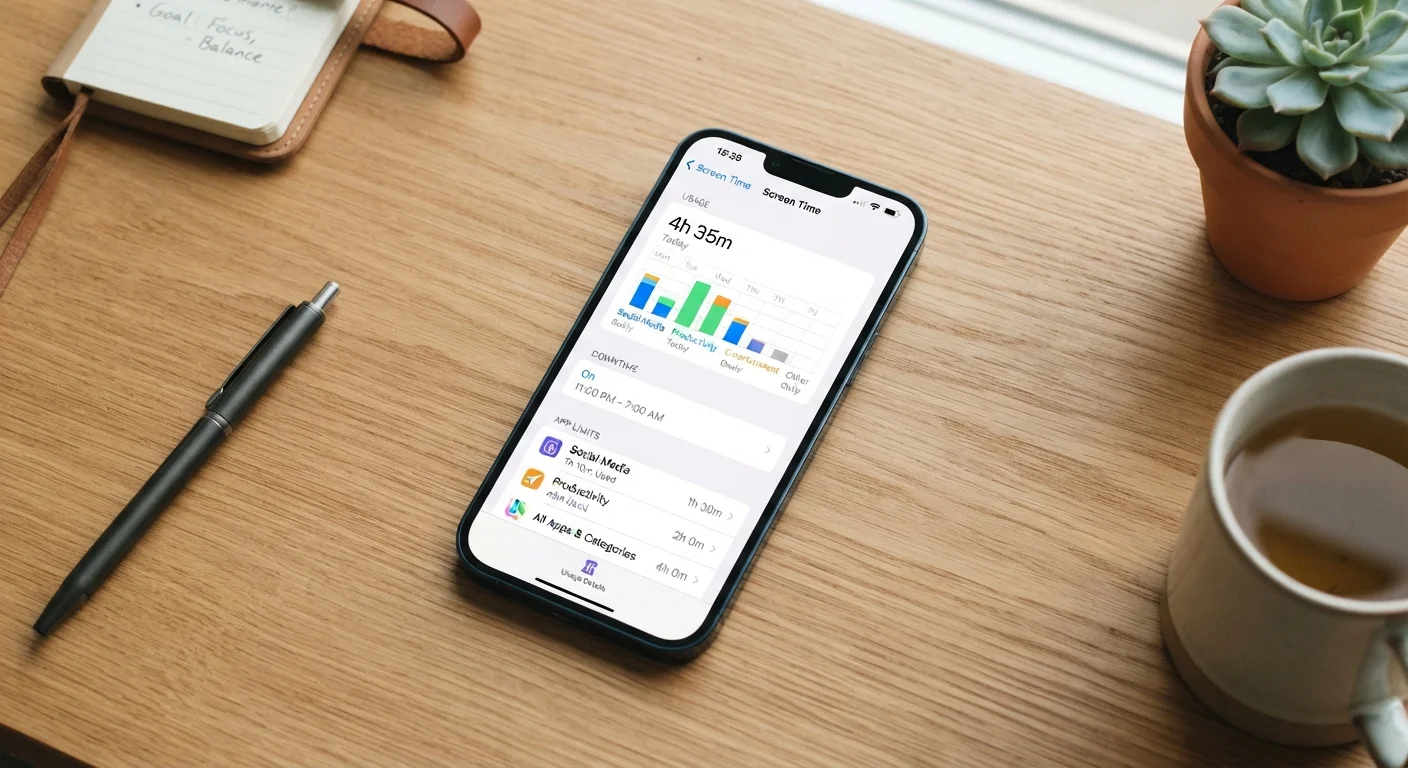
Both major mobile operating systems ship with native usage-management features. Apple's Screen Time (found in iOS Settings) and Google's Digital Wellbeing (built into most Android phones) give users a dashboard showing exactly how much time is spent in each app, how often they pick up their device, and how many notifications arrive each hour.
Beyond reporting, both platforms let you set daily app limits, schedule downtime windows where only select apps are available, and restrict specific content categories. Apple's Screen Time also integrates with Family Sharing, so parents can apply limits across a child's device remotely. Android's Digital Wellbeing includes a Focus Mode that pauses distracting apps on demand without setting a hard timer.
These features are built directly into the operating system - no downloads, no subscriptions, no accounts. For many households, that accessibility alone makes them worth exploring. If you're also curious about how your phone's other system-level settings affect daily performance, our look at overlooked phone settings that affect battery life covers related ground.
The Pros: Real Benefits for Everyday Users
For most adults who simply want to be more intentional about their phone use, the built-in tools offer a meaningful set of advantages.
Free and pre-installed on every modern smartphone
There's no cost and no setup beyond navigating to your phone's settings. This removes the barrier of finding, vetting, and paying for a third-party solution.
Covers all apps with system-level tracking accuracy
Because these tools operate at the OS level, they capture time spent in every installed app and mobile browser - not just a curated list - providing a complete picture of usage.
Scheduled downtime creates predictable device-free windows
Both platforms let you schedule hours when only approved apps (like phone calls or alarms) are accessible, making it easier to protect sleep time or family dinners without manual effort.
Family controls allow remote management across devices
Apple's Family Sharing and Android's Family Link let a parent set and adjust limits on a child's device from their own phone, without needing physical access to the child's device.
Automatic weekly usage reports build self-awareness
Both iOS and Android generate weekly summaries delivered passively - no action required - which helps users notice trends over time without actively checking a dashboard.
4+ hrs
Average daily US smartphone screen time
Data from multiple mobile analytics firms consistently places average American adult smartphone use at four or more hours per day, underscoring why awareness tools have become a standard OS feature.
68%
Adults who say they check their phone too often
A Pew Research Center survey found roughly two-thirds of American adults feel they use their smartphone too much, indicating strong demand for usage-management tools.
These tools are also tightly integrated with the OS, meaning they can track usage across all apps - including browsers - rather than just a select list. That system-level access gives them an accuracy advantage over many third-party alternatives.
The Cons: Where These Tools Fall Short
Despite their convenience, built-in screen time features carry genuine limitations that are worth understanding before relying on them heavily.
Limits are easy for motivated users to bypass
On both platforms, an adult user can simply enter the device passcode or Screen Time passcode to extend or remove a limit in seconds. This makes the tools ineffective as hard enforcement for self-regulation.
Parental controls have meaningful gaps for older children
Teenagers who know their way around device settings can often find workarounds, including using a web browser as a proxy for blocked apps or resetting restrictions through device recovery options.
Cross-device usage is not tracked or consolidated
If a user switches from a phone to a tablet or laptop, the phone's screen time tools have no visibility into that activity - total digital consumption remains unmeasured.
Android experience varies significantly by manufacturer
Digital Wellbeing is modified or absent on some Android skins (like certain Samsung One UI versions), meaning the feature set described by Google may not match what a given phone actually offers.
No behavioral context - just raw time data
The tools report minutes spent in an app but cannot distinguish between a productive video call and passive scrolling. All usage within an app is treated the same, limiting the depth of insight.
It's worth comparing this to how these same operating systems handle other user controls. As we explore in our article on how Android and iOS handle app permissions differently, the two platforms take distinct philosophical approaches to user control - and those differences show up in screen time enforcement too.
Using These Tools Effectively
The most practical way to use built-in screen time features is as a mirror, not a padlock. Reviewing your weekly usage report - both platforms generate one automatically - builds genuine self-awareness. Many users report being surprised by how much time accumulates in apps they consider casual.
Screen Time Passcode: A Key Detail
Both iOS Screen Time and Android's parental controls allow you to set a separate passcode specifically for the restriction settings - different from your main device unlock code. If you're setting limits for yourself, using a passcode you'll find genuinely inconvenient to look up adds meaningful friction. For family setups, only the parent or guardian should know this secondary passcode, as it's the primary enforcement layer the built-in system provides.
For adults, pairing usage data with intentional habit changes (like keeping your phone in another room during meals) tends to produce more lasting results than relying on app timers alone. For families with younger children, the built-in parental controls are a reasonable starting layer, though parents of teenagers should understand that a determined adolescent can often find and use workarounds. This dynamic is similar to the challenge of self-monitoring tools in other digital wellness contexts - a tension we examine in the context of mood-tracking app trade-offs.
Finally, if you're looking to reduce overall phone dependency, exploring your device's built-in accessibility features - like scheduled Do Not Disturb and focus-friendly display settings - can complement screen time tools effectively.
The content on this site is for informational purposes only and is not a substitute for professional advice. Always consult a qualified professional for guidance specific to your situation.